GLB Preview
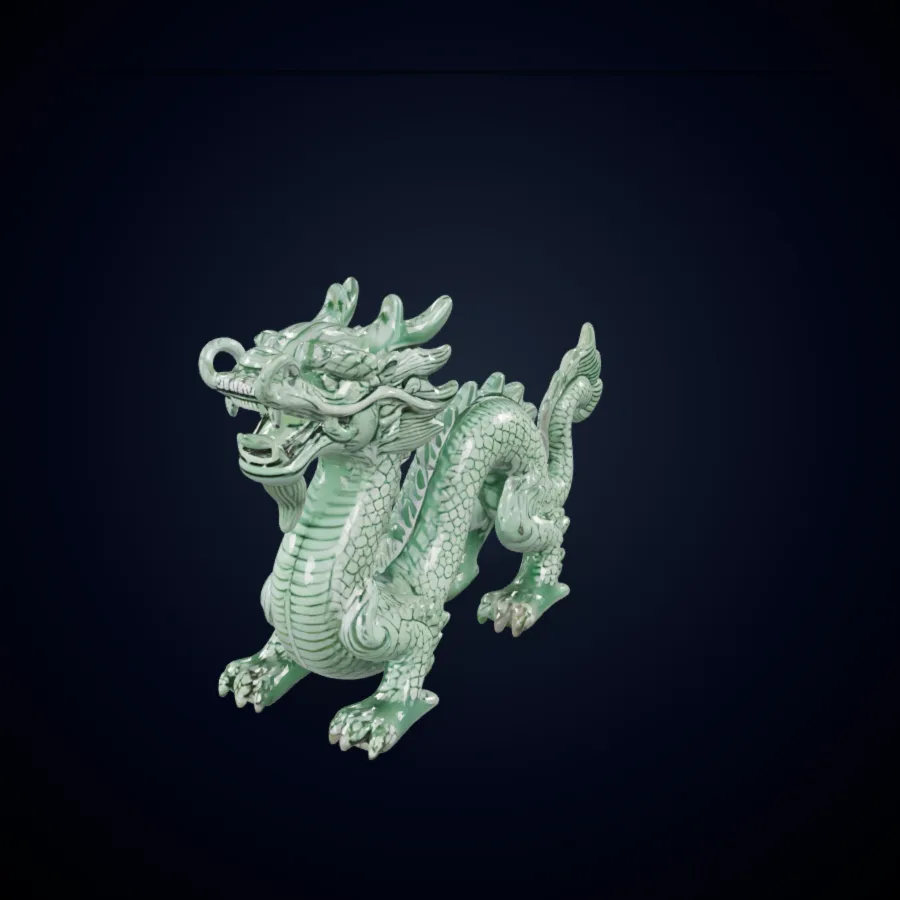
Dragon
Detailed fantasy creature preview with PBR material styling.
Create 3D models from images or prompts with Hunyuan 3D workflows in Formy 3D.
Hunyuan 3D is a model family and workflow direction for AI-assisted 3D asset creation. In Formy 3D, this page focuses on a creator-friendly Hunyuan 3D workflow: upload a reference, write a prompt, compare the result, and prepare a first 3D model for review. It supports image to 3D, text to 3D, and 2D to 3D exploration without local setup. Formy 3D is independent and does not present this page as an official Hunyuan3D property.

A Hunyuan 3D workflow is useful when a team needs a quick 3D starting point rather than a blank modeling scene. Product designers can test volume, game artists can block out props, and educators can show how 3D AI turns references into geometry. Choose image to 3D when a concept frame exists, choose text to 3D when the idea is still verbal, then inspect the mesh before refining it in Blender, Unity, Unreal, or another tool.
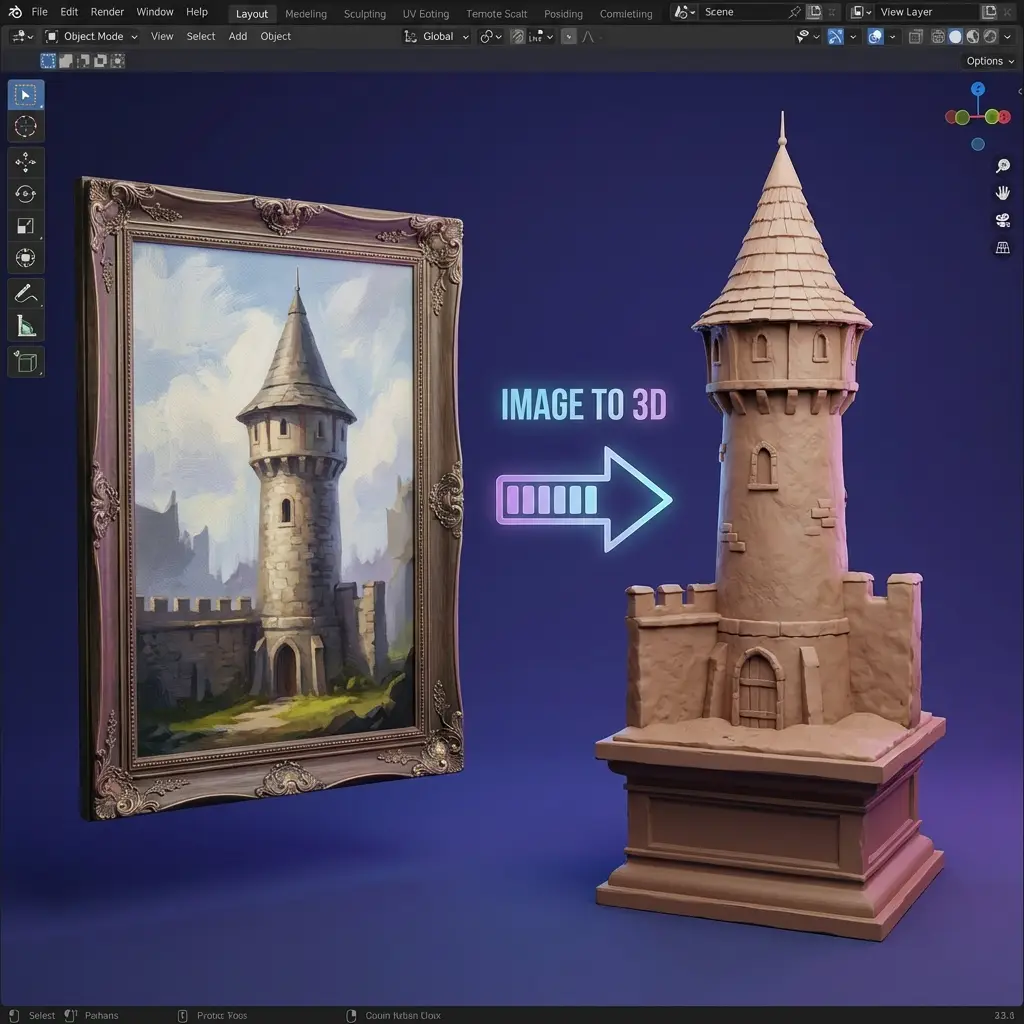
The page explains Hunyuan 3D AI in workflow terms. Image to 3D is better when shape, silhouette, and material hints are visible. Text to 3D is better when the creator needs variations before a reference exists. 2D to 3D generation turns a flat picture into a dimensional draft that can be checked from multiple angles, making 3D AI easier to evaluate.
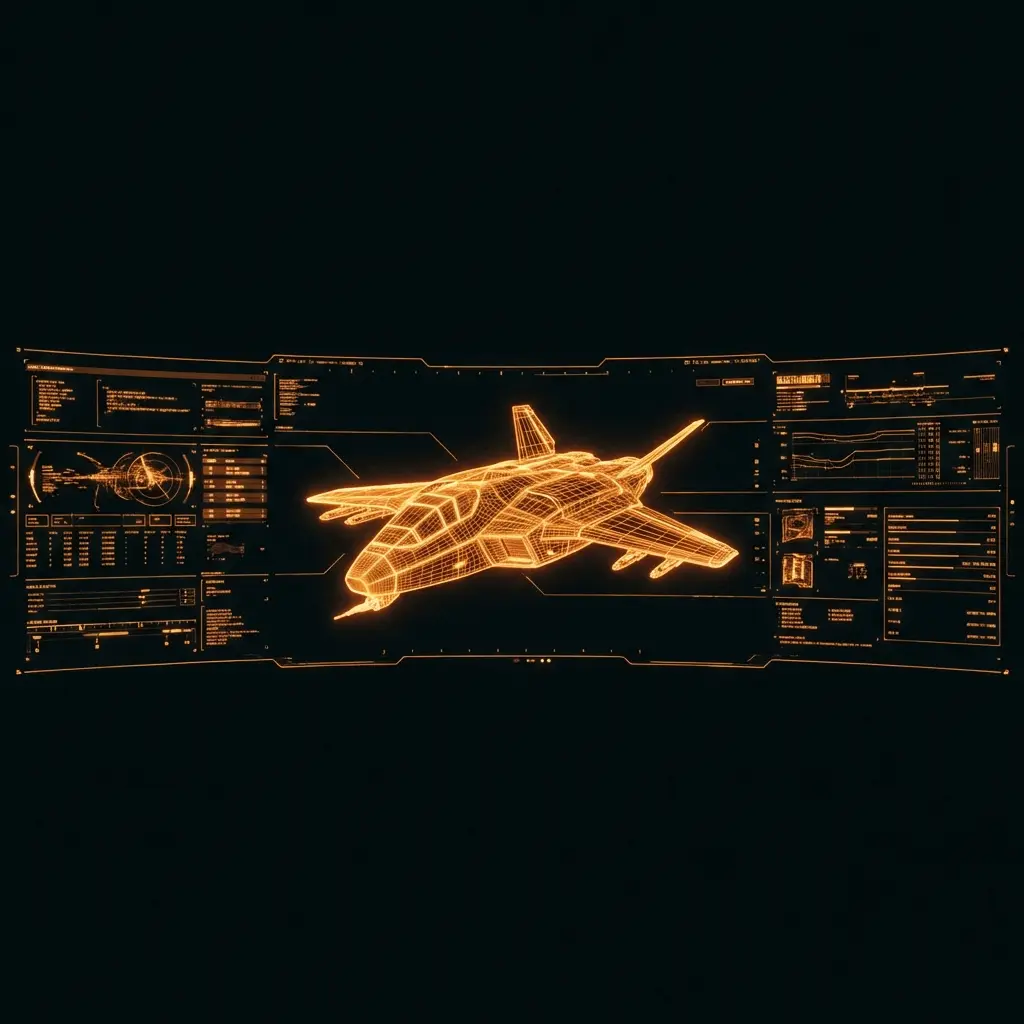
Formy 3D avoids claiming official status. This Hunyuan 3D page helps visitors understand what a 3D model generator can do, where the output fits, and how to judge it. A useful mesh should preserve silhouette, proportions, and surface cues. Hunyuan 3D can speed up exploration, but users should still review topology, scale, materials, and licensing before final use.

Many Hunyuan 3D searches come from people with a product photo, character sketch, toy concept, or object reference who want a 3D model from image input. Formy 3D treats the upload as a visual brief. The result is not meant to replace every manual step; it gives creators a draft to rotate, compare, export, and improve.

Some visitors search for Hunyuan-3d, Hunyuan3D v3.1, or Hunyuan 3D AI because they want a direct tool rather than documentation. This page names the workflows, explains the inputs, and separates Formy 3D from official sources, so users can test image to 3D or text to 3D without confusing a creator platform with the Hunyuan3D team.
Preview high-quality 3D model examples instantly, then load the interactive viewer on demand.
Detailed fantasy creature preview with PBR material styling.
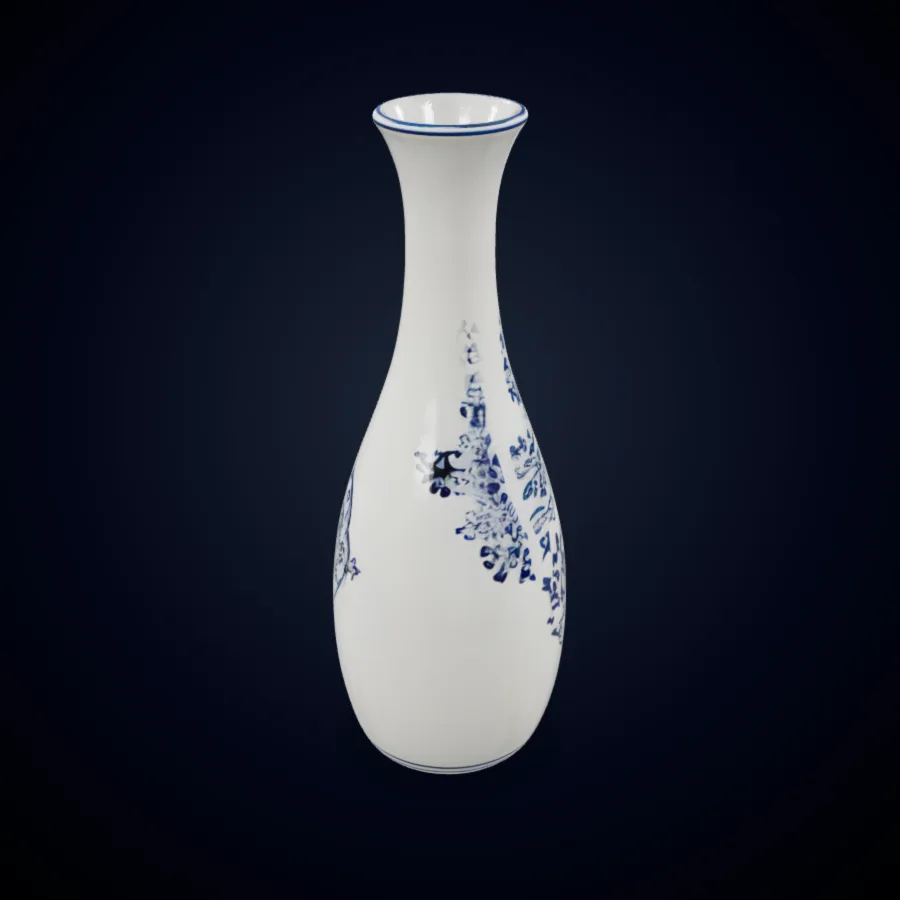
Product-ready hard-surface asset for design review workflows.
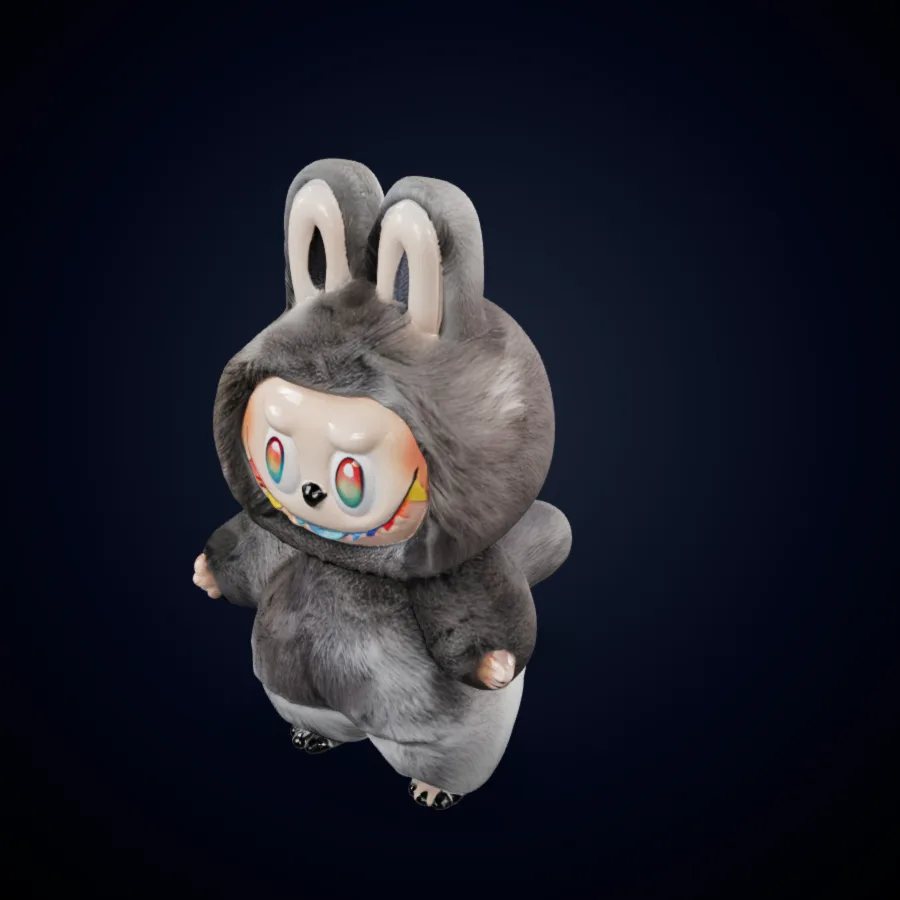
Clean character-style mesh preview for quick creative validation.
A good Hunyuan 3D process starts with the right input, then moves through generation, review, and export. These steps keep the 3D AI workflow clear for new 2D to 3D users.
Decide whether your asset needs image to 3D or text to 3D. Use an image when shape accuracy matters: product photos, clean sketches, orthographic references, and character concepts provide strong anchors. Use a prompt when the object is still undefined. For 2D to 3D conversion, crop the subject clearly, avoid busy backgrounds, and describe hidden details. Hunyuan 3D responds best to a clear object, material direction, and style.
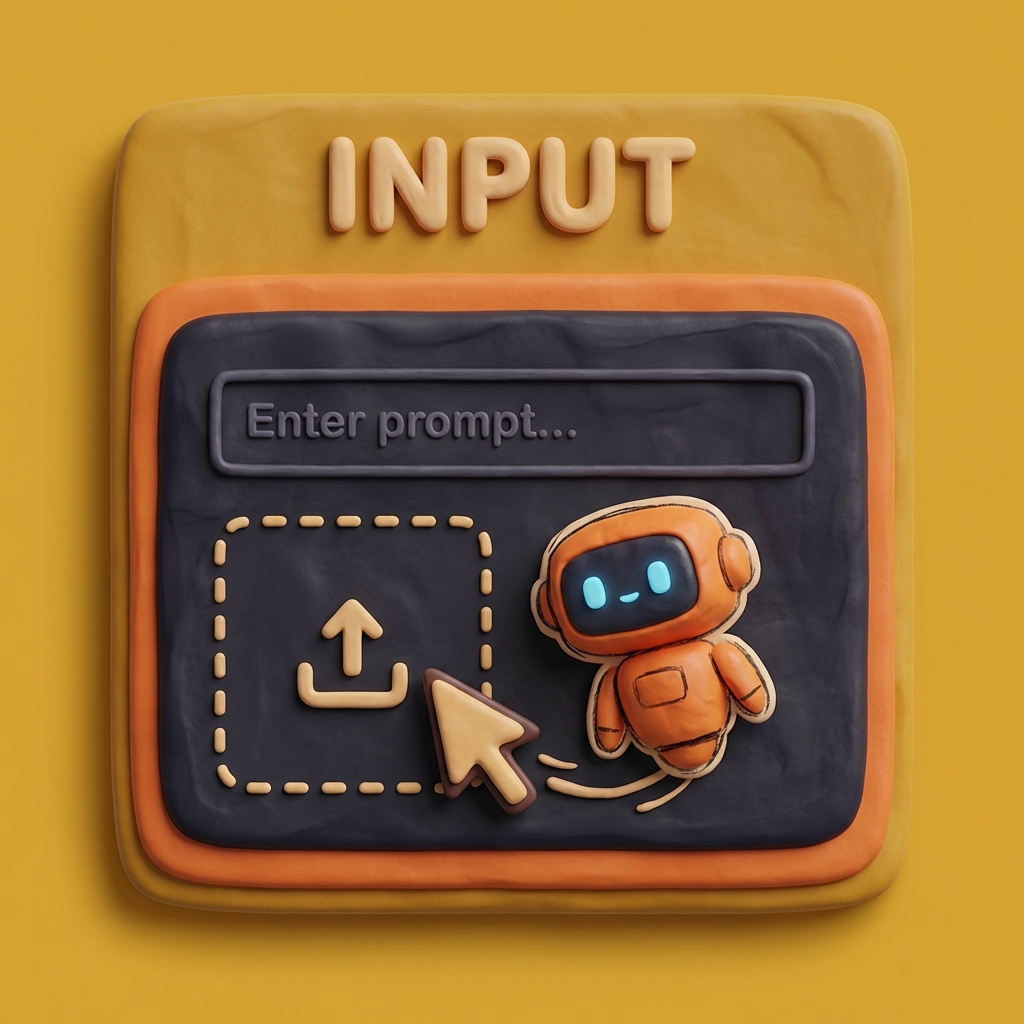
After generation, inspect the draft like a reviewer. Rotate the 3D model, check proportions, look for missing surfaces, and compare the result with the prompt or image. Hunyuan 3D can accelerate asset creation, but every 3D model generator benefits from human judgment. If the image to 3D output misses the shape, simplify the input or add a more specific prompt.
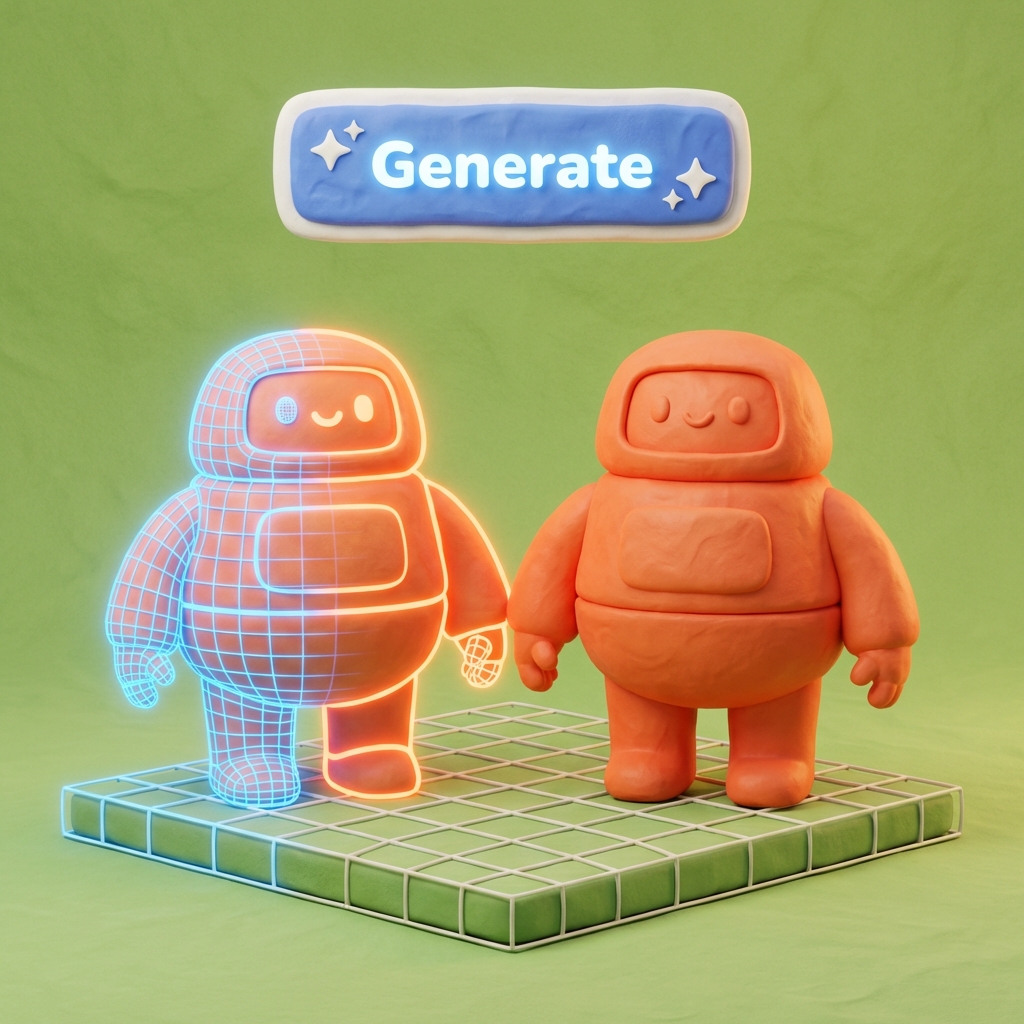
Once the Hunyuan 3D draft looks useful, export it for the next tool. Blender is helpful for cleanup and materials. Unity and Unreal are useful for realtime previews, prototypes, and game scenes. Product teams may use the model for layout tests or ecommerce mockups. Text to 3D and 2D to 3D outputs should stay editable drafts until a creator reviews and polishes them.

Hunyuan 3D is useful when a project needs visual momentum before final modeling begins. These scenarios show how 3D AI supports review, planning, and handoff.

Game teams can use Hunyuan 3D to move from a prompt or reference image into a rough mesh for blocking, prop exploration, or art direction review. The goal is not to skip optimization; it is to create a visible direction faster. A 3D model generator makes early conversations concrete because designers can test scale, silhouette, and composition. Hunyuan-3d searches often come from this need for iteration before retopology and game-ready cleanup.

For ecommerce and product teams, image to 3D can turn a clean product photo into a draft that is easier to examine than a flat image. Hunyuan 3D workflows help compare packaging, tabletop objects, decorative items, or accessories before final modeling. The 3D model from image can be reviewed for proportion, then refined by a designer for merchandising or campaign planning.

Industrial designers, educators, and prototype teams can use Hunyuan 3D AI to compare forms quickly. Text to 3D helps when the team is still naming the idea; 2D to 3D helps when sketches or photos exist. The result gives a meeting something concrete to critique, making 3D AI a practical companion for ideation rather than a replacement for design judgment.
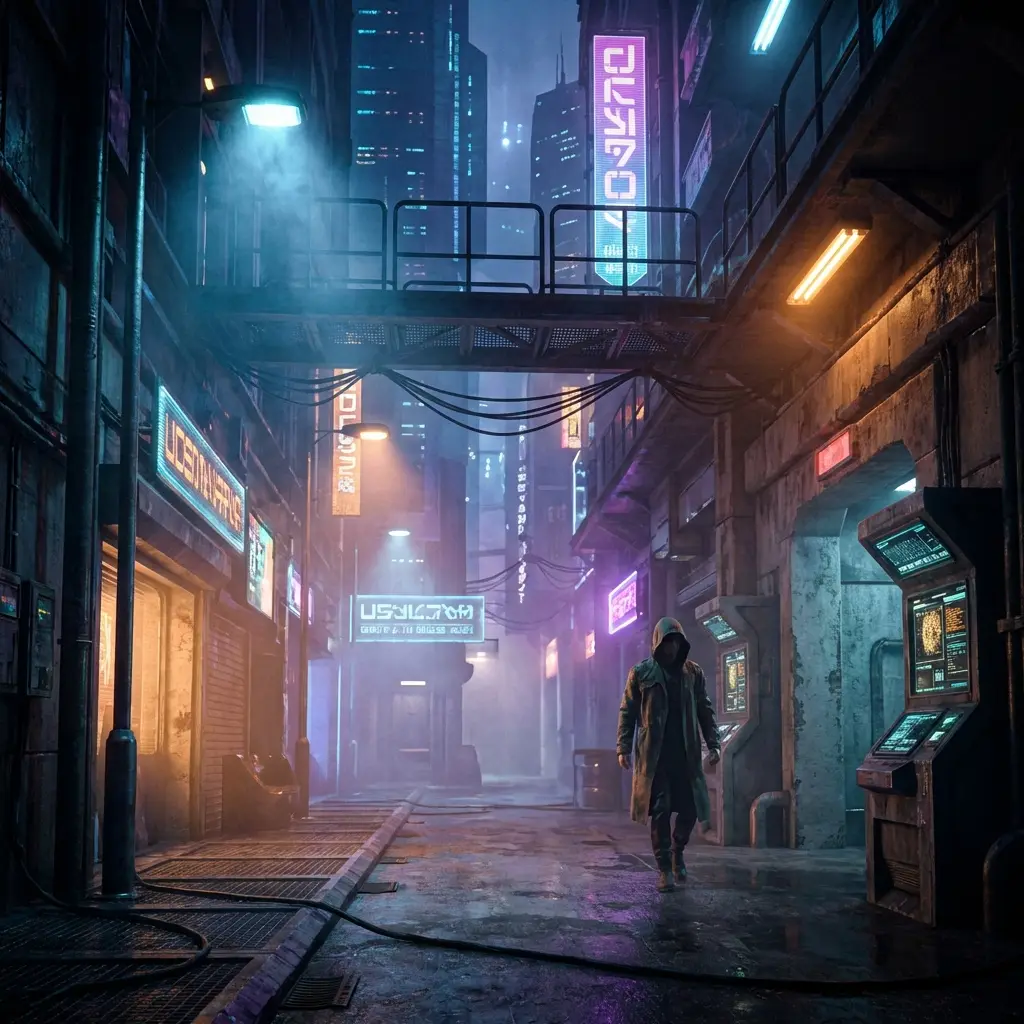
VFX and look-development teams can use a Hunyuan 3D workflow to test object ideas before hand modeling. A quick draft can show whether a prop, creature detail, or environment object deserves deeper work. Artists can use Formy 3D as a 3D model generator for first-pass direction, then finalize topology, UVs, materials, and shot requirements in production tools.
Judge Hunyuan 3D results by usefulness, not novelty. Review the asset against the input, downstream tool, and production goal.
For image to 3D and 2D to 3D tasks, ask whether the object still reads like the reference. A strong Hunyuan 3D output keeps silhouette, volume, and proportion before smaller details are judged.
Hunyuan 3D AI can produce useful surface cues, but creators should inspect texture continuity, material plausibility, and lighting behavior before product visualization or realtime use.
A 3D model generator can reduce time to a first draft, but final quality still depends on review. Clean topology, adjust scale, improve materials, and verify pipeline compatibility.
Text to 3D works best with clear nouns, material words, and style constraints. Image to 3D works best with clean photos. The clearer the Hunyuan 3D input, the easier it is to judge success.
When people ask about Hunyuan3D v3.1, they often compare speed, quality, and workflow options. Formy 3D connects those terms to creative decisions, not version labels alone.
This Hunyuan 3D page is independent. Use source documentation for model details, license terms, or API behavior. Use Formy 3D for generation and review.
Answers about Hunyuan 3D workflows, image to 3D, text to 3D, Hunyuan3D v3.1, and Formy 3D's independent role.
No. Formy 3D is an independent AI 3D generation platform. It is not the official Hunyuan3D website, not operated by the Hunyuan3D team, and does not claim official affiliation. This page explains how creators can use Hunyuan 3D style workflows inside Formy 3D while keeping source clarity. For model releases, license terms, or provider API behavior, consult the original source or provider documentation.
Hunyuan 3D workflows are useful for object drafts, product references, stylized props, simple characters, collectibles, education, and early game or VFX assets. The best use case is a first 3D direction that can be reviewed quickly. A generated model may still need cleanup, retopology, UV work, or material editing before final production.
Image to 3D uses a visual reference as the main guide, so it helps when you have a photo, concept frame, or sketch. Text to 3D starts from a written prompt, so it is better for open-ended exploration. Hunyuan 3D AI can support both patterns: start with an image for shape accuracy and text for variety.
Yes, Hunyuan 3D AI can support 2D to 3D workflows when the input image gives enough object information. A clean subject, strong lighting, and limited clutter usually produce a better 3D model from image input. For difficult objects, add a prompt that explains hidden structure, material, and style. Check the draft from multiple angles before export.
Hunyuan3D v3.1 is commonly discussed around Hunyuan 3D options such as image to 3D, text to 3D, rapid generation, quality-focused generation, topology workflows, and part-aware tasks. For creators, the practical question is whether the output is good enough for review, concept development, or downstream editing.
You do not need deep modeling experience to try a Hunyuan 3D workflow in Formy 3D. Upload an image or write a prompt, then review the generated result. 3D experience still helps when judging mesh quality, proportions, material issues, and export readiness, but beginners can use the workflow for exploration.
Generated assets can be used as drafts for Blender, Unity, Unreal, and other tools when format and quality fit your pipeline. Always inspect the Hunyuan 3D output first. Check scale, topology, texture quality, and licensing requirements before commercial use. A 3D AI draft is most valuable when a creator reviews, cleans, and adapts it.
Start with an image or prompt, generate a 3D draft, and review it before moving into your production tools.