







跳到主要内容

Hunyuan 3D 3.1 AI 3D Generator – Free, No Signup

Explore current Hunyuan 3D 3.1 workflows, then use the free Image to 3D generator without creating an account.

Free LiteNo login

Meet the Hunyuan 3D 3.1 Generation Workflow

Hunyuan 3D 3.1 brings image-guided and prompt-guided creation into one practical AI 3D generator workflow. This page pairs a clear Hunyuan overview with Formy 3D's free Image to 3D starting point, so anyone can upload a reference, generate a draft, inspect it, and download the result without signup.

Hunyuan 3D 3.1 for Image to 3D Ideas

Hunyuan 3D 3.1 for Image to 3D Ideas

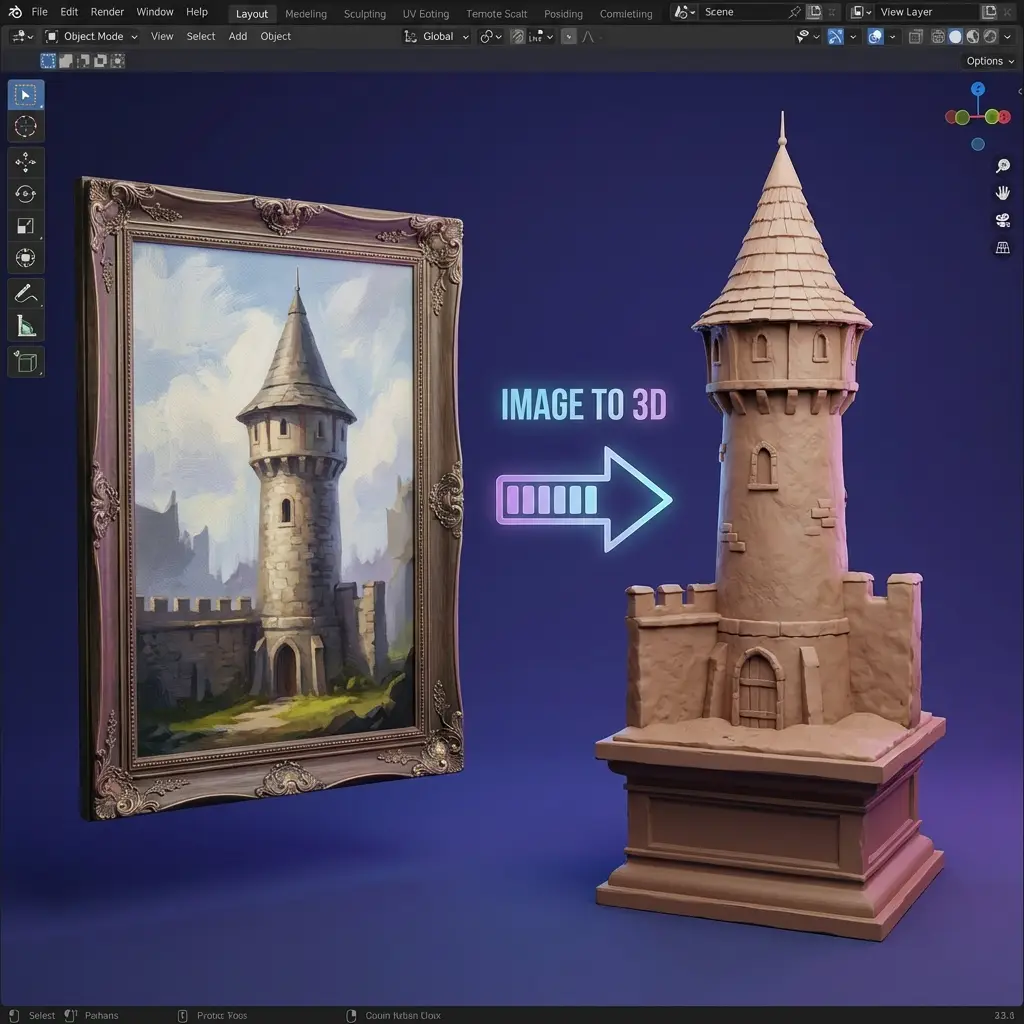
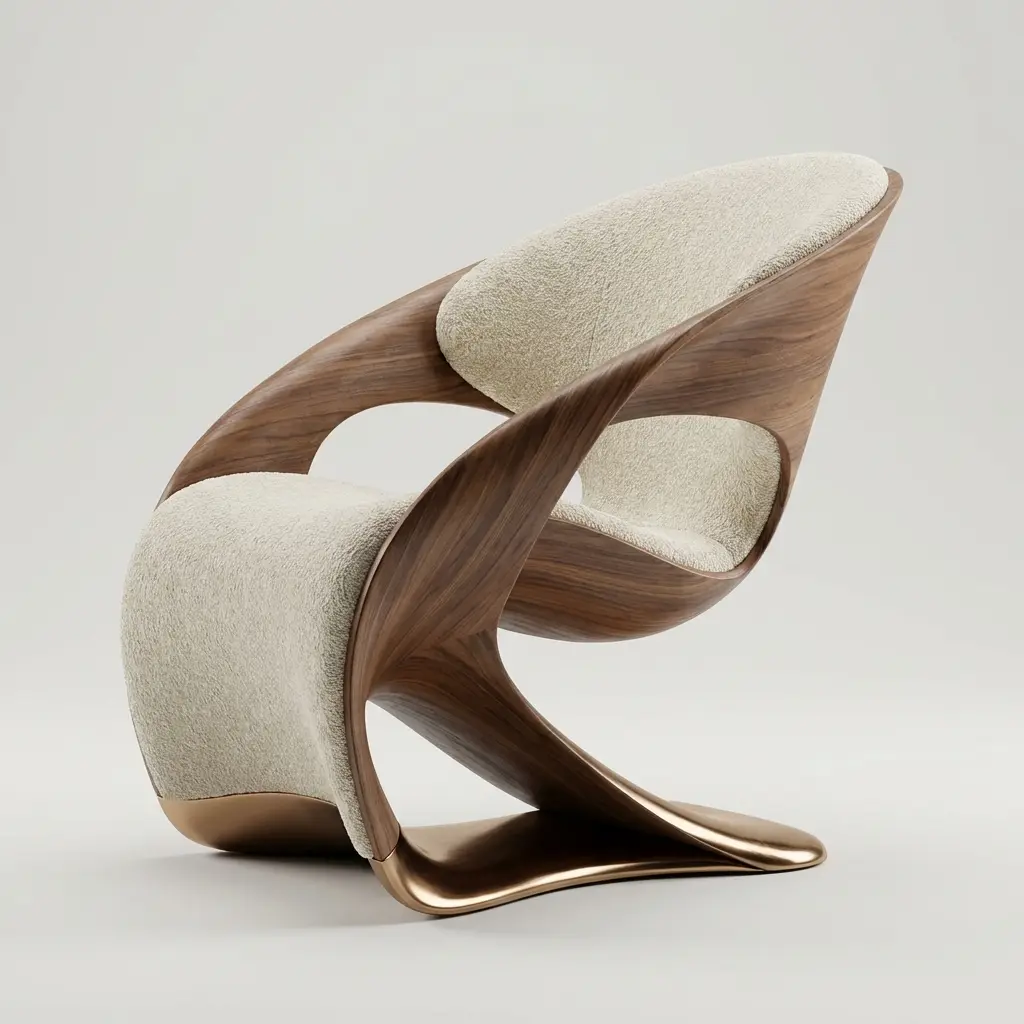
A clear reference gives an AI 3D generator evidence about silhouette, proportion, and style. Hunyuan 3D 3.1 supports image-led creation for products, props, and characters. The free generator offers a no-signup Image to 3D test. Upload one subject with a simple background, then review the model from several angles.

Hunyuan 3D 3.1 for Prompt-Based Creation

Hunyuan 3D 3.1 for Prompt-Based Creation

Hunyuan 3D 3.1 also supports text-led exploration. Describe the object, proportions, material, style, and essential details without contradictions. Compare every Hunyuan output with the prompt and treat it as a draft that still needs visual, topology, and material review.

Choose Hunyuan3D 3.1 Pro or Rapid by Task

Choose Hunyuan3D 3.1 Pro or Rapid by Task

Hunyuan3D 3.1 includes Pro and Rapid image and text paths. Pro offers broader controls, while Rapid emphasizes faster iteration. The full Formy 3D generator exposes these authenticated choices; this page defaults to free no-signup mode. Choose a Hunyuan path for a shape check, controlled draft, or editable model.

Review Every Hunyuan Model as a Draft

Review Every Hunyuan Model as a Draft

Use Hunyuan 3D 3.1 to compare shapes or prepare an editable starting point. Check whether the asset matches its image or prompt, whether hidden surfaces make sense, and whether textures stay coherent during rotation. Apply the same review to the free AI 3D generator before download.

Move from Free Testing to Hunyuan3D 3.1

Move from Free Testing to Hunyuan3D 3.1

The no-signup module teaches the Image to 3D loop. When a project needs Hunyuan3D 3.1 controls, select the Hunyuan family and choose Pro or Rapid. This keeps the free experience accurate. Start simply and change one variable per comparison.

Core Capabilities

Hunyuan 3D 3.1 Features for Useful 3D Drafts

Match each Hunyuan capability to the input, iteration speed, and downstream work your project actually needs.

Image to 3D works best when the subject is distinct and important features remain visible. Hunyuan 3D 3.1 Pro supports image references and multi-view input where offered. Coordinated angles clarify hidden sides; mismatched views add ambiguity. Test one reference free, then use the Hunyuan workflow when advanced controls benefit the project.

Image-Guided Hunyuan 3D 3.1 Generation
Text-Guided Hunyuan3D 3.1 Exploration
Hunyuan 3D 3.1 Post-Generation Options
Three-Step Workflow

How to Use the Hunyuan 3D 3.1 AI 3D Generator

Prepare a focused input, generate one comparable draft, and inspect the model before export or further processing.

1

Step 1: Prepare an Image to 3D Reference

Choose one subject with readable edges, limited occlusion, and lighting that shows major surfaces. Crop unrelated objects and avoid extreme perspective. The free generator accepts a reference without signup. For Hunyuan 3D 3.1, decide whether one image or coordinated views describe the object better.

Step 1: Prepare an Image to 3D Reference
2

Step 2: Select and Run the Right Hunyuan Path

Use free mode for a no-signup Image to 3D trial. For Hunyuan3D 3.1, select the Hunyuan family and choose Pro or Rapid. Begin conservatively and change one variable per comparison. This makes geometry, texture, speed, and input differences easier to judge.

Step 2: Select and Run the Right Hunyuan Path
3

Step 3: Inspect and Download the 3D Model

Rotate the result and examine silhouette, depth, thin parts, seams, and hidden surfaces. Compare the Hunyuan 3D 3.1 output with its input. Download only after review. A Hunyuan model may still need scale, topology, UV, or material work.

Step 3: Inspect and Download the 3D Model

Where Hunyuan 3D 3.1 Fits in Creative Work

Use the AI 3D generator when a visible, rotatable draft can improve planning, comparison, or communication.

Hunyuan Image to 3D for Product Concepts
Product

Hunyuan Image to 3D for Product Concepts

Product teams can turn a concept image into a draft for proportion checks and early review. Hunyuan 3D 3.1 establishes direction before final modeling. The free no-signup generator tests reference clarity. Verify dimensions, surfaces, materials, and commercial requirements before using the asset.

  • Reference-based drafts
  • Proportion review
  • Early visual planning
Explore More →
Hunyuan3D 3.1 for Props and Blockouts
Games

Hunyuan3D 3.1 for Props and Blockouts

Game teams can use Hunyuan3D 3.1 to explore props and environment objects before building a production mesh. A draft supports scale tests and art-direction review. Then evaluate polygon flow, UVs, textures, collision needs, and engine budgets. The AI 3D generator accelerates ideation, not game-ready optimization.

  • Prop ideation
  • Scene blockouts
  • Art-direction review
Explore More →
Hunyuan 3D 3.1 for Fast Design Comparisons
Design

Hunyuan 3D 3.1 for Fast Design Comparisons

Designers can use Hunyuan generation to compare silhouettes and materials in a rotatable format. Image to 3D grounds the comparison in a reference; text generation explores ideas earlier. Keep the input and settings for every Hunyuan 3D 3.1 draft so decisions remain explainable.

  • Shape comparisons
  • Prompt exploration
  • Review-ready drafts
Explore More →
Hunyuan3D 3.1 for Look Development
VFX

Hunyuan3D 3.1 for Look Development

Look-development teams can use Hunyuan3D 3.1 for first-pass forms that make discussion concrete. Artists can rebuild or refine the selected draft for shot requirements. Check topology, texture resolution, scale, and licensing; an AI 3D generator result is not a finished production asset.

  • Look-dev options
  • Shot planning
  • Editable starting points
Explore More →

How to Review Hunyuan 3D 3.1 Results

Judge each model against its input, intended task, and downstream editing requirements before treating it as useful.

Check Silhouette and Proportion

A Hunyuan 3D 3.1 result should preserve the defining outline and major volumes of its image or prompt. Rotate the asset and inspect every side rather than trusting the preview angle.

Inspect Texture Continuity

Review the Hunyuan model for stretched details, inconsistent materials, abrupt seams, and surfaces that change identity during rotation. Plan manual correction when the draft will move downstream.

Compare Pro and Rapid Intentionally

When using Hunyuan3D 3.1 options, compare similar inputs and change one setting at a time. A controlled comparison reveals which path better matches the deadline and quality target.

Keep the Input with the Output

Save the reference or prompt beside the generated model. This makes Hunyuan review reproducible and helps collaborators understand what the AI 3D generator was asked to preserve.

Plan Downstream Cleanup

Before export, identify whether the Hunyuan 3D 3.1 draft needs topology work, scale correction, UV changes, material editing, or reconstruction for the final pipeline.

Verify Usage Requirements

Review the current service terms, model terms, and project requirements before commercial use. Technical success from an Image to 3D workflow does not replace licensing review.

Hunyuan 3D 3.1 AI 3D Generator FAQ

Practical answers about Hunyuan3D 3.1, free Image to 3D testing, inputs, models, review, and downloads.

Can I use the AI 3D generator without signup?

Yes. Free Lite accepts an image without a Formy 3D account and tests the basic Image to 3D workflow. Hunyuan 3D 3.1 Pro and Rapid are separate full-generator models that may require sign-in and credits. Those authenticated Hunyuan models are not the provider behind Free Lite.

What is Hunyuan 3D 3.1?

Hunyuan 3D 3.1 is a family of supported image-to-3D and text-to-3D endpoints. The Hunyuan workflow includes Pro and Rapid choices plus related operations where shown. Choose a path by its input, controls, schedule, and downstream editing needs.

What is the difference between Hunyuan3D 3.1 Pro and Rapid?

Hunyuan3D 3.1 Pro provides broader controls, while Rapid emphasizes faster iteration. Exact options depend on image or text input. Keep the input constant and inspect each model. Choose Hunyuan by task instead of assuming one version always wins.

Does Hunyuan 3D 3.1 support Image to 3D?

Yes. Hunyuan 3D 3.1 includes image-guided generation. A clear reference establishes silhouette and materials; supported multi-view input adds evidence about hidden sides. Keep views consistent. For a basic test, use free no-signup Image to 3D first.

Can Hunyuan3D 3.1 generate a model from text?

Yes. Hunyuan3D 3.1 includes text-to-3D options. Name the object, material, style, and structural traits without contradictions. Compare the model with the request. Text suits open concepts; Image to 3D suits an existing precise reference.

Which images work best with an AI 3D generator?

Use a sharp image with one centered subject, readable edges, limited clutter, and lighting that reveals surfaces. Avoid cropped parts, occlusion, or geometry-hiding reflections. Hunyuan 3D 3.1 and the free generator both benefit from clear references.

Can I download the generated 3D model?

Free mode provides a download after successful generation. Authenticated Hunyuan generation shows the formats returned by its selected workflow. Rotate the asset before download. In the destination software, verify scale, geometry, textures, and materials.

Does a Hunyuan 3D 3.1 model need cleanup?

Often. A Hunyuan 3D 3.1 draft may need topology cleanup, UV adjustments, scale correction, material editing, or reconstruction. Review thin structures, hidden surfaces, seams, and polygon flow. An AI 3D generator saves ideation time, not preparation work.

Can I use Hunyuan3D 3.1 output in Blender or a game engine?

You can import a supported format into Blender and prepare it for a game pipeline. Review topology, UVs, textures, scale, collision requirements, and budgets. Keep the Hunyuan3D 3.1 input and settings so artists can reproduce or replace the draft.

How should I compare two Hunyuan 3D 3.1 results?

Keep the image or prompt unchanged and alter one setting per generation. Compare silhouette, proportions, hidden surfaces, texture continuity, and downstream fit. Record whether the draft used Hunyuan3D 3.1 Pro, Rapid, or separate free mode. Controlled comparisons produce useful decisions.

Start an Image to 3D Draft with No Signup

Upload one clear image, generate a free model draft, and review the result before choosing a Hunyuan 3D 3.1 workflow for more advanced needs.

Hunyuan 3D 3.1 AI 3D Generator – Free, No Signup | Formy 3D